
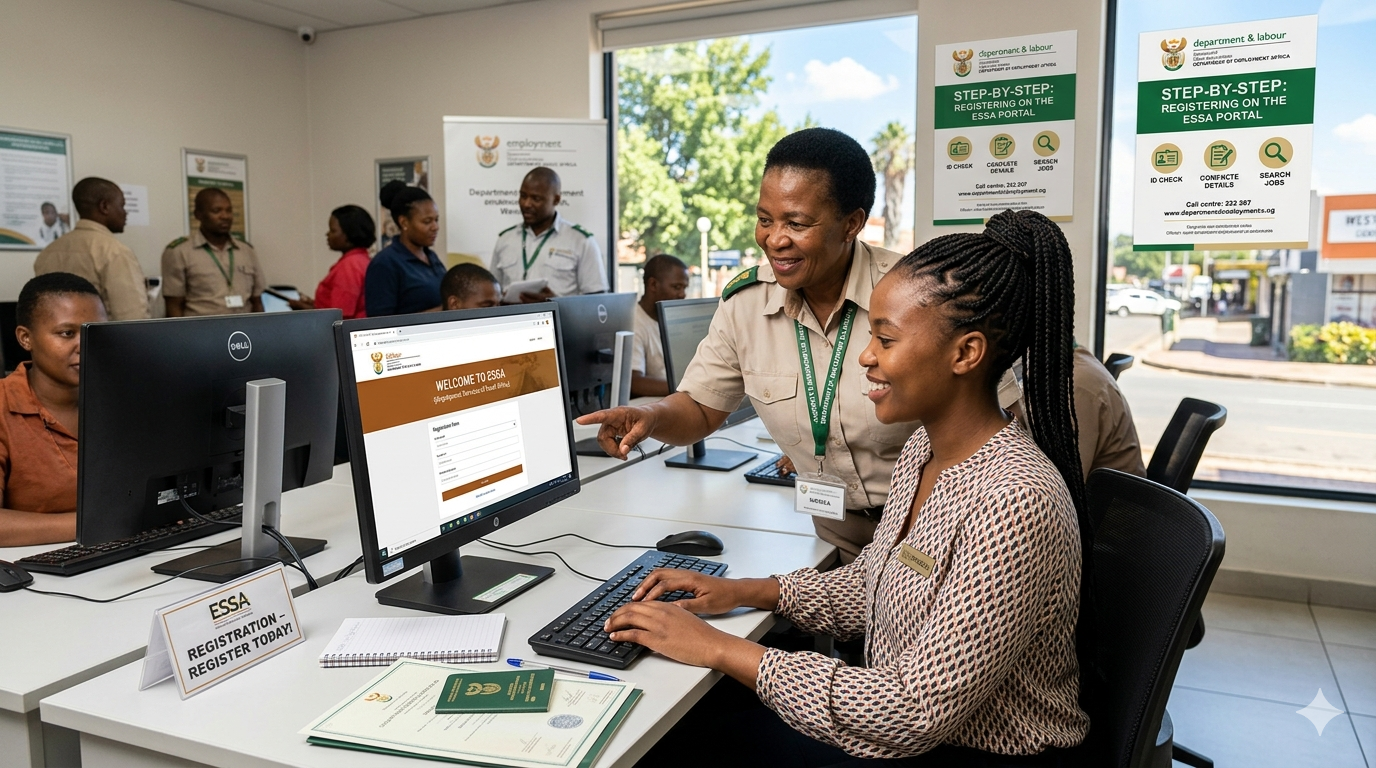
In the competitive landscape of the 2026 South African job market, staying ahead means utilizing every available official resource. One of the most powerful—yet often underutilized—tools is the Employment Services of South Africa (ESSA) portal, managed by the Department of Employment and Labour.
Whether you are a fresh graduate looking for your first learnership or an experienced professional seeking a career pivot, registering on ESSA is a non-negotiable step. This guide provides a comprehensive, original walkthrough to help you navigate the registration process with ease.
Why Register on ESSA?
ESSA is not just another job board. It is the government’s primary database used to match job seekers with opportunities in both the public and private sectors. By registering, you gain access to:
- Government Vacancies: Many entry-level and administrative roles in government departments are sourced directly from this database.
- Free Career Services: Access to career counseling and placement assistance.
- Automatic CV Compilation: The system can generate a professional CV for you based on the data you provide.
Pre-Registration Checklist:
Before you start, ensure you have the following information ready to avoid session timeouts:
- A valid South African ID number (or passport number for non-citizens with work permits).
- An active email address: You will receive your login credentials here.
- A functional mobile number: For critical updates and SMS notifications.
- Digital copies of your qualifications: Even if it’s just your Grade 12 certificate.
- A summary of your work history: Including dates and job titles.
Step 1: Access the Portal
Navigate to the official ESSA Online Services website.
Important Note: Always ensure the URL ends in .gov.za. Be wary of third-party “agents” claiming they can register you for a fee. The ESSA service is 100% free of charge.
Step 2: Choose Your Profile Type
On the homepage, you will see options for “Individual” or “Organisation.” Click on “Register Individual.” This will take you to a disclaimer page. Read the terms and conditions carefully—these outline how your data will be used for employment matching—and click “Accept.”
Step 3: Initial Verification
Enter your surname, ID number, and email address. The system will run a quick check against the Department of Home Affairs records to verify your identity.
Step 4: Secure Your Account
Once verified, you will be prompted to create a password.
- Pro Tip: Choose a strong password but one you will remember. The system will also send an automated email with your system-generated username. Keep this email safe, as you will need these credentials every time you log in to apply for jobs.
Step 5: The “Golden Step” – Completing Your Profile
This is where many job seekers fail. Simply creating an account isn’t enough; you must populate your profile. 1. Personal & Contact Details: Ensure your physical address is accurate, as many employers search for candidates by “Work Location” or province.
2. Education: List your highest qualification first. If you have completed specific training courses (like a Code 14 license or a computer literacy course), add them here.
3. Work Experience: Even if you have only done volunteer work or short-term contracts, include them.
4. Skills: Use keywords relevant to the industry you are targeting (e.g., “Customer Service,” “Data Entry,” “Welding”).
Step 6: Searching and Applying
Once your profile is 100% complete, click the “Search for Opportunities” tab. You can filter by:
- Job category
- Province/Location
- Reference number (if you saw a specific ad in a newspaper or on social media)
When you find a role that matches your skills, click “Apply.” The system will automatically send your digital profile to the relevant Departmental employment practitioner.
Expert Tips for 2026
- The Monthly Refresh: Log in at least once a month. The system prioritizes “active” users. Even if nothing has changed, updating a single skill or just logging in keeps your profile “fresh” in the eyes of the algorithm.
- Be Specific with Locations: If you are willing to relocate to another province, make sure to select that in your preferences.
- Watch for SMS Alerts: The Department often sends SMS notifications for mass recruitment drives or learnerships. Keep your phone line active.
Conclusion:
Registering on ESSA is more than just a box-ticking exercise; it is a gateway to the formal South African economy. By taking the 20 minutes required to build a detailed profile, you are placing yourself directly in the line of sight of recruiters and government hiring managers.