
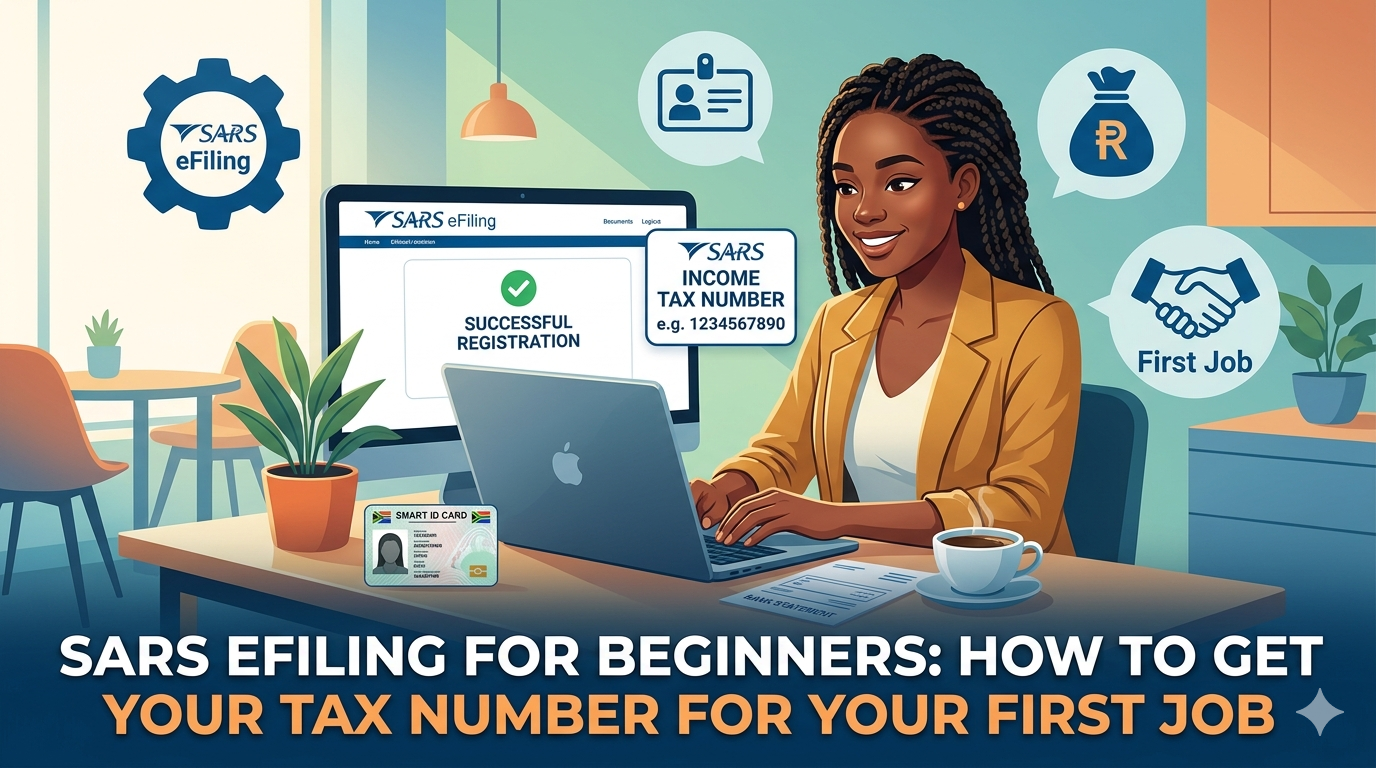
Starting your first job is an exciting milestone. Between the new commute and learning your responsibilities, there is a lot to take in. However, before that first paycheck hits your bank account, there is one administrative hurdle every South African worker must clear: getting a tax number from the South African Revenue Service (SARS).
If the thought of “tax” and “SARS” feels intimidating, don’t worry. Registering for eFiling is much simpler than it used to be. This guide will walk you through the process of getting your tax number so you can focus on your new career.
Why Do You Need a Tax Number?
In South Africa, every person who earns an income above a certain threshold is required to pay Personal Income Tax. Even if you aren’t earning enough to pay tax yet, your employer needs your Income Tax Reference Number to register you on their payroll system. Without it, your onboarding process might be delayed.
The good news? You no longer have to stand in a long queue at a SARS branch. You can handle almost everything through SARS eFiling.
Step 1: Check if You Already Have One
Before you try to register, it is worth checking if a number was already assigned to you. If you have ever had a formal job, an internship, or even a bank account that earned interest, you might already be in the system.
- Ask your employer: Sometimes, employers register their new staff automatically.
- Use the SARS SMS service: You can send an SMS to 47277 with the word “ID” followed by your ID number (e.g., ID 9501015000081). SARS will reply letting you know if a record exists.
- The SARS Website: Use the “What’s my tax number?” query tool on the official SARS website.
Step 2: Registering via SARS eFiling
If you are definitely not registered, the easiest way to get your number is to register for eFiling.
- Visit the Website: Go to www.sarsefiling.co.za.
- Click “Register”: Select the option for an individual.
- Enter Your Details: You will need your South African ID number, your full name, and your contact details.
- Verification: SARS will send an One-Time PIN (OTP) to your phone or email to verify your identity.
Once you complete this, SARS will automatically generate a tax reference number for you if your details match the Department of Home Affairs records.
Step 3: Required Documents for Verification
While many people get their number instantly, SARS sometimes requires “Supporting Documents” to verify who you are. This is a standard security measure to prevent identity theft. You should have digital copies of these ready:
- A valid South African ID: A clear photo or scan of your ID book or smart card.
- Proof of Address: A utility bill or bank statement (not older than 3 months) that shows your residential address.
- A Bank Statement: A recent bank statement with a bank stamp to verify where your salary will be paid.
Step 4: Using the SARS MobiApp
If you don’t have a laptop or find websites clunky, the SARS MobiApp is a fantastic alternative. You can download it from the Google Play Store or Apple App Store. It allows you to register, upload documents using your phone’s camera, and check your status on the go.
Common Mistakes to Avoid
- Typos: Ensure your names match your ID exactly. If your ID says “Thabo John Khoza,” don’t just register as “Thabo Khoza.”
- Expired Proof of Address: SARS is strict. If your bank statement is 4 months old, they will likely reject it.
- Multiple Profiles: Do not try to register twice if the first attempt is “pending.” This can cause a “duplicate profile” error that requires a visit to a branch to fix.
What To Do With Your Tax Number:
Once you have your 10-digit tax number, give it to your HR department or manager. You are now officially a taxpayer!
Remember, being registered for a tax number doesn’t always mean you will pay tax. For the 2024/2025 tax year, you only start paying income tax if you earn more than R95,750 per year (if you are under 65). If you earn less than that, you still need the number, but your take-home pay won’t be deducted.